Trusted by 6000+ Labs · ISO13485 Certified · Fast Delivery from 3 Factories


Standardize a CAD/CAM workflow by writing down, for each stage of Scan → Design → Mill → Print → Sinter → Finish, exactly what input the stage requires, which parameters and programs apply, what the output must pass before handoff, and who owns that check. A lab where each technician runs the machines by personal habit produces quality that depends on who is on shift that day, and the manager spends the week answering questions instead of improving the process. This guide walks a production manager through the sequence that works: map the current case flow first, write one standard per stage, attach QC gates with named owners, put maintenance on a schedule, and track a small set of numbers to prove the standard is holding.
Pick one typical case and trace it from intake to delivery, recording four things at every step: what data or physical item the stage receives, what the operator actually does, what decisions are made from memory or habit, and where the case waits. The decisions-from-memory column is your standardization backlog, because every unwritten decision is a remake waiting for the day the experienced person is off. Also mark where cases change hands, since handoffs are where information is lost and delays hide; in most digital labs the chain runs scan, design, mill, sinter, characterize, and deliver, and the weakest link is usually an undocumented handoff rather than a slow machine. If you are building or restructuring the whole digital line rather than tightening an existing one, the equipment-package and phased-growth logic in Vsmile's CAD/CAM startup guide gives a useful reference workflow to map against before you commit to standards.
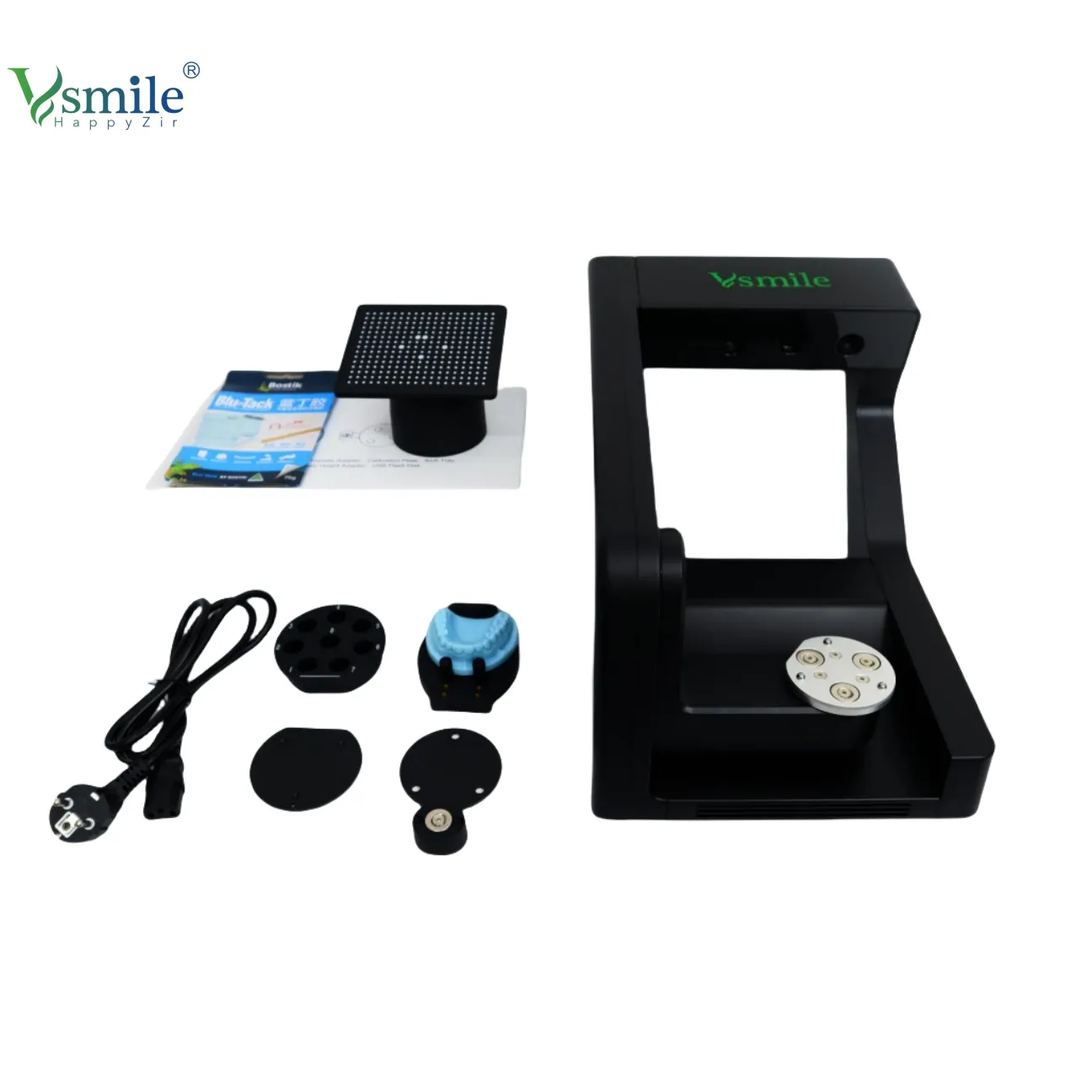
Write an intake standard that lists, per case type, the required fields: indication, material, shade, due date, design notes, and the scan requirements. Missing information creates hidden queues because a technician must stop and ask a question, and every question breaks the flow of a downstream stage. Define scan acceptance criteria as literally as the lab can enforce them: required capture area complete, margins clearly visible, bite registration sufficient, file named and attached to the correct case before design may start. Open file formats make this easier to enforce and easier to keep working as your case sources grow; the VDS100 PRO desktop scanner, for example, outputs STL, PLY, and OBJ, so a naming convention and folder structure defined once keeps working for every case source that sends standard files. Reject incomplete cases at the door with a short note back to the sender, because a case that enters design incomplete will cost more time later than it saves now.
The design stage produces the most variation between technicians, so it is where standards pay fastest. Define which design templates and material libraries are approved for each case type, lock the naming convention for design versions so a milled unit can always be traced back to the approved file, and set review checkpoints before anything moves to production. The gate rule matters more than the software: complex cases, implant work, and full-arch designs need a named reviewer's approval, while routine single crowns can follow a checklist the designer self-applies. Record revision reasons when a design comes back, because a month of revision logs usually reveals one or two recurring causes, an intake field that is missing, a margin convention that two technicians read differently, and those are cheap to fix at the source. A standard here should feel like a tool that removes repeated decisions, not paperwork; if a rule does not prevent a specific observed error, cut it.
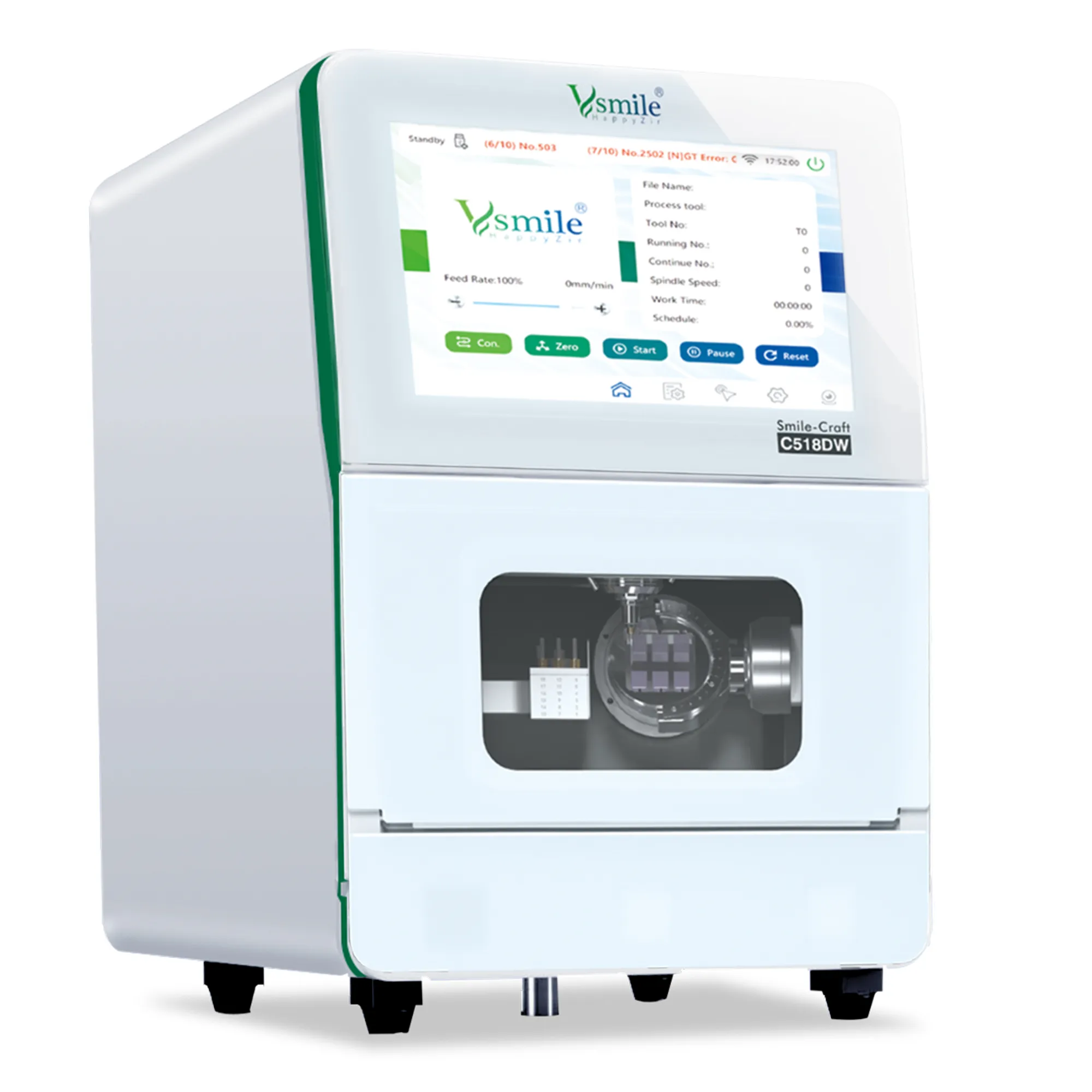
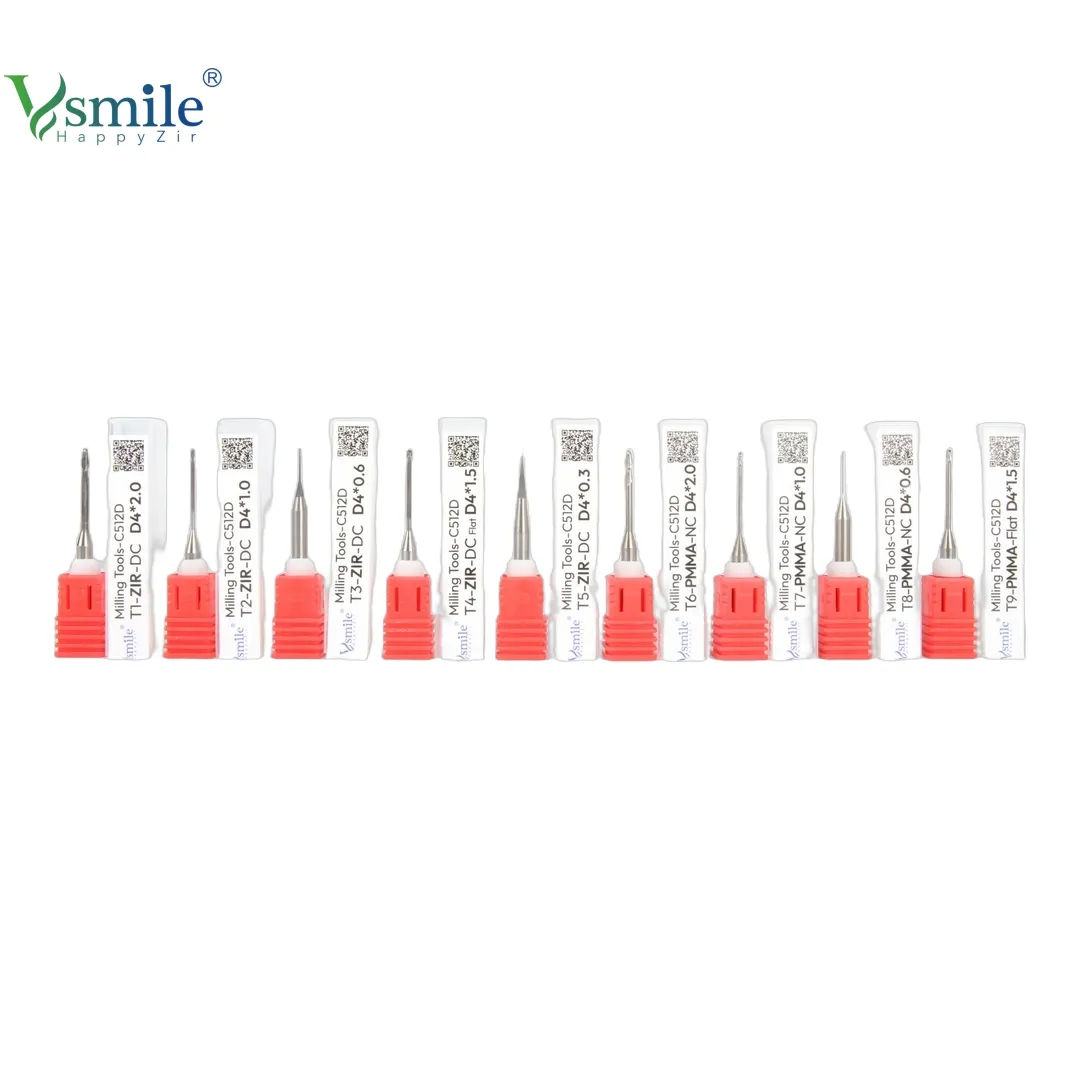
Write the routing rule that decides which machine each case runs on, based on material, not operator habit. Dry milling covers zirconia, PMMA, wax, and PEEK; the lab's dental zirconia blocks should be matched to a validated program before routing, and glass ceramics and titanium need wet milling, which is why labs running mixed case queues often pair a dedicated dry unit such as the C512D zirconia milling machine with a dry-and-wet unit such as the C518DW 5-axis machine, whose 18-tool automatic magazine with tool-life monitoring lets a mixed batch run without an operator trading burs mid-job. The second production standard is batching: group jobs that share material, fixtures, and post-processing so operators spend less time changing setups, and fill the machine plate. The same logic applies to printing, where build volume is the batching constraint; the VRP L230 8K LCD printer prints up to eight dental models in one job on its 228×128×150 mm platform, so a rule as simple as "models print once the queue reaches a full plate, unless the case is urgent" converts scattered idle minutes into organized throughput. The trade-off to manage is deliberate: batching improves machine utilization but adds a short wait for queued jobs, so exempt urgent cases explicitly instead of letting operators improvise exceptions.
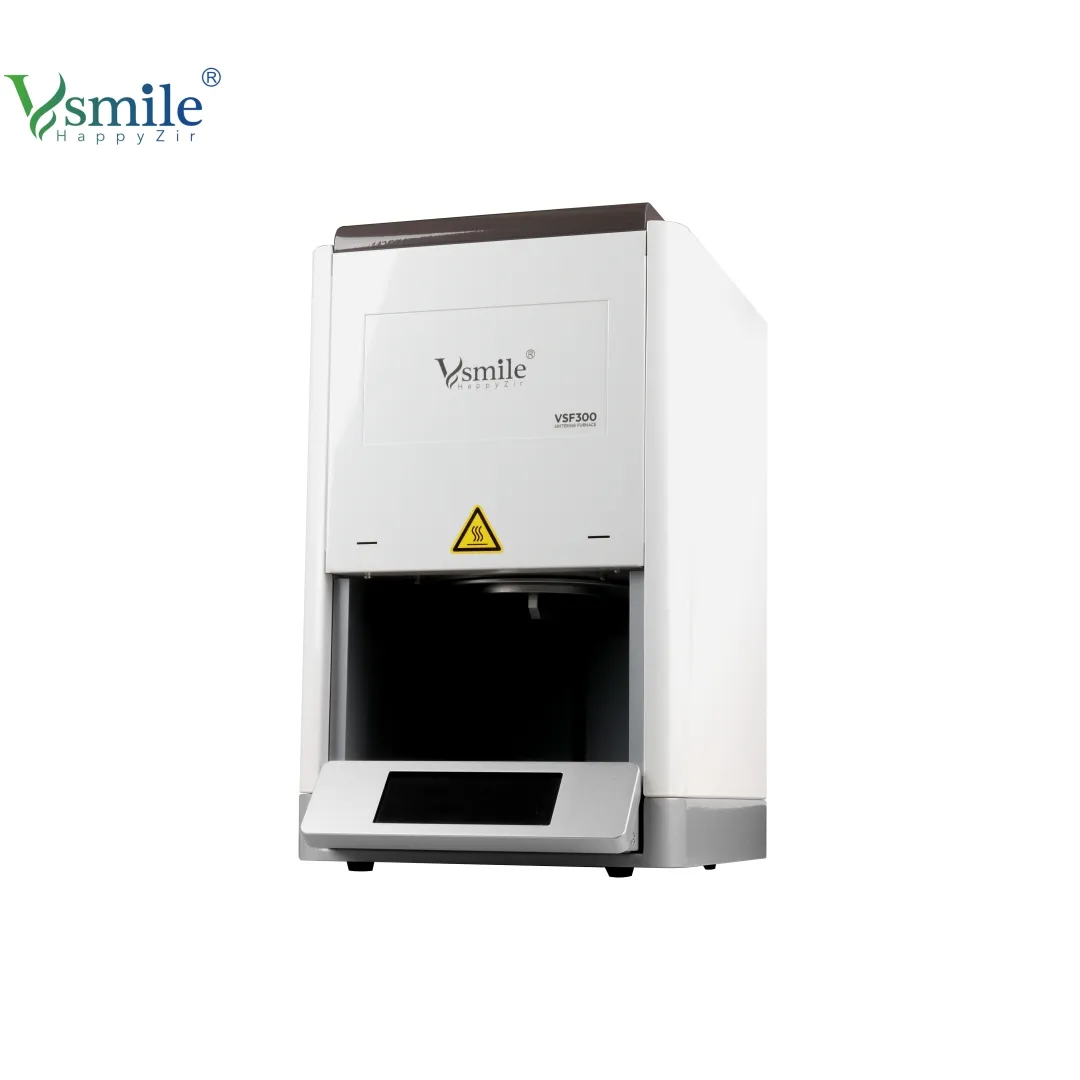
Sintering errors destroy the most value per mistake, so this stage gets the strictest standard. Define one program per material and shade combination, name it after the material, never after the technician who wrote it, and record the schedule so the standard survives staff changes. Modern furnaces make this easier to enforce than to explain: the VSF300 fast sintering furnace stores twelve programmable sintering curves with ±2°C control, runs up to 60 units per cycle, and offers both fast and standard modes, so the manager can assign curve numbers to material groups and expect identical heat treatment regardless of who loads the tray. Pair the program standard with a loading standard, support placement and tray layout included, and with remote monitoring, which the VSF300 supports over WiFi, so a program anomaly is caught while the cycle runs instead of at delivery. One point needs emphasis: fast cycles free same-day capacity, but the lab should validate each fast program against its own materials before making it the default, because speed counts as standardization only if the result is repeatable.
Digital workflows do not remove quality control; they make it possible to define checks precisely and place them where failure is cheapest. Set four gates: after scanning, verify capture completeness and margin visibility; after design, verify the approved template, contacts, and occlusion; after production, verify fit, surface, and case identification; before delivery, verify against the prescription one final time. Each gate needs a named owner, because a check that everyone owns is a check that nobody performs, and the finisher assuming the designer checked occlusion is exactly how a loose contact ships. Log every remake with its root cause in one line, then review the log monthly; the pattern almost always points back to an upstream standard that needs one sentence rewritten, not to a person who needs scolding.
An unplanned stoppage breaks every standard at once, so maintenance belongs in the workflow standard, not in the technicians' heads. Publish a daily, weekly, and monthly routine per machine: chamber cleaning and bur inspection daily on the milling side, calibration checks on schedule, and consumable replacement triggered by condition where the machine provides the data. Machines that monitor themselves make the schedule enforceable; the C518DW tracks tool life automatically, and following the C512D maintenance guide's daily, weekly, and monthly routines turns machine care from an expert's habit into a task any trained technician can complete and sign off. Schedule short planned interruptions during low-volume windows rather than waiting for failure, because a machine that stops on its own schedule almost always stops during your busiest week instead.
Standards without measurement decay quietly. Track a small set of numbers weekly: turnaround time by stage, remake rate with cause, first-pass acceptance rate, unplanned equipment downtime, and cases waiting at each handoff. Five numbers are enough to show whether a new standard improved the system or merely moved the queue to another department; a faster design stage that creates more milling rework is not an improvement. Resist the urge to deploy every new standard at once, because a rollout that touches every stage in the same week makes it impossible to know what worked. Introduce one standard, watch the numbers for a cycle, then move to the next, and review the whole set quarterly. This measured pace also answers the capital question honestly: most labs find that fixing handoffs and standards releases more capacity than expected, and the decision to add equipment should follow that evidence, not precede it.
Every standard written for the workflow should double as onboarding material, and the two reinforce each other. New technicians learn the stage SOPs in workflow order and validate on real cases before working independently, which the structured approach in Vsmile's official equipment training video center supports with per-device playlists covering installation, calibration, maintenance, and troubleshooting for the scanner, mills, and furnaces the SOPs reference. When a standard changes, refresh the people and the document in the same week, because a document the team does not know has changed is worse than no document. If a stage keeps producing errors that the SOP cannot explain, that is the trigger to invite the supplier's application support into the loop.
Vsmile's support services cover installation, workflow training, and production optimization, and the inquiry form asks for your current equipment and estimated order volume, so describing your actual bottleneck in the form returns advice matched to the stage that is holding you back.
Standardization is not more paperwork; it is removing repeated decisions from the workflow so quality depends on the process rather than on who is on shift. Map the case flow first, write one standard per stage, attach each to a QC gate with a named owner, put maintenance on a written schedule, and track a small set of numbers weekly. Change one standard at a time so the numbers tell you what worked, and let the same documents double as onboarding material. When the queue at a stage keeps growing while the machines there are running full batches of correct, approved work, that is the evidence to add equipment; when the queue holds cases waiting for information, standards will release capacity that no machine can.
The stage where your map showed decisions made from memory and the most remakes originating, which for most labs is case intake or design. Standards at the start of the chain protect every downstream stage, while a standard applied only at finishing catches errors after the expensive steps have already run.
Detailed enough that a trained technician produces the same result without asking questions, and short enough that people actually use them. A practical test: if two technicians can run the same case type by the document alone and the output passes the QC gate, the SOP is complete; if they diverge anywhere, that step needs rewriting.
One framework per stage, with case-type tables inside it. A single crown, an implant case, and a full-arch restoration share the same stage sequence and QC gates but differ in routing, programs, and review requirements, so a table structure keeps the framework stable while the case-type specifics stay findable.
Write standards that remove work instead of adding it, introduce one at a time, attach each to a QC gate someone is actually accountable for, and review the tracked numbers with the team monthly. Standards fail most often when they are announced but never enforced at a gate, or when they contradict how the machines and materials actually behave.
When the tracked numbers show a stage is genuinely capacity-limited rather than information-limited: the queue at that stage keeps growing while the machines there are running full batches of correct, approved work. If the queue holds cases waiting for information or approvals, standards will release capacity that no machine can.

Vsmile is pleased to announce its participation in the 3rd Algerian Dental Expo (ADEX 2026), taking place from November 11 to 14, 2026, at the Palais des Expositions (SAFEX) in Algiers, Algeria.
At this year's exhibition, Vsmile will join its local distribution partner, WHITE TRADER, at Pavillon A. Together, the teams will connect with dental professionals and showcase dental materials, CAD/CAM solutions and practical applications for modern dental laboratory workflows.
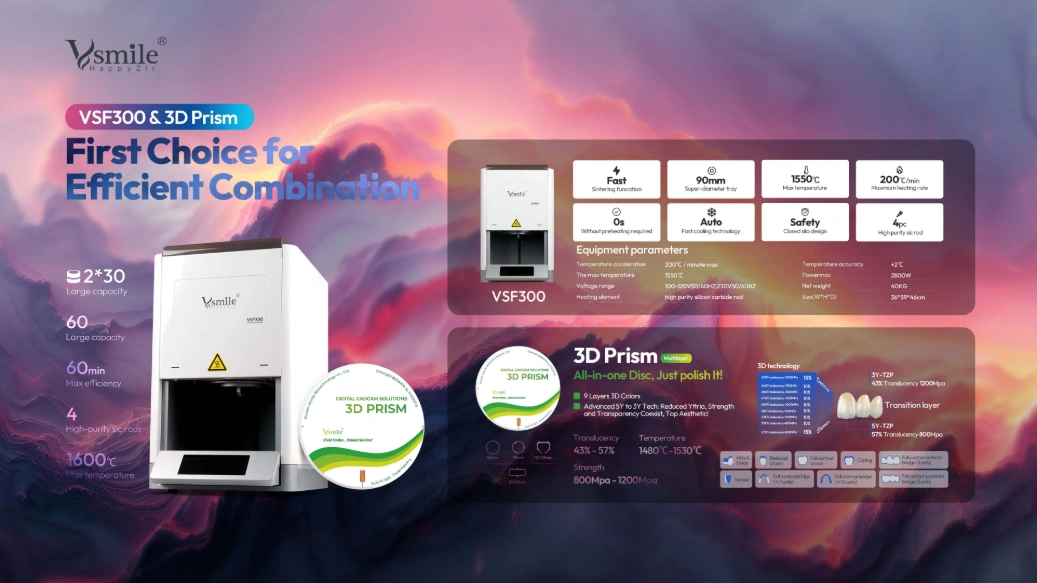
This bundle combines the powerful VSF300 fast sintering furnace with 4 pcs of 3D Prism multilayer zirconia blocks, delivering speed, capacity, and consistent esthetics in one package.

Passive fit failure is rarely caused by a single factor. Instead, it is the result of error stacking across the entire digital and manufacturing workflow.

Fracture and microcracks are among the most critical failure modes in All-on-X (AOX) zirconia restorations.

Whether you're crafting A1 or D4, FreeTone White Zirconia Disc gives you total shade control with just one SKU — streamlining inventory and increasing productivity.

Voices from Vsmile Global Partners — Stories of Trust, Growth, and Smiles We Create Together.
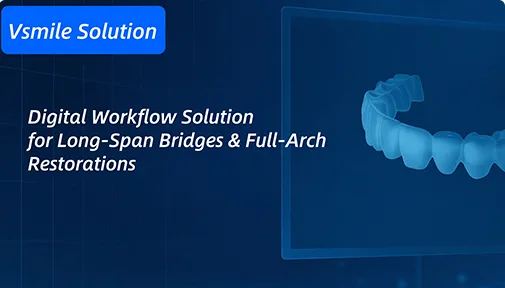
Long-span and full-arch restorations represent some of the most complex and failure-prone procedures in digital dentistry. Challenges include connector fractures, marginal misfits, sintering deformation, and low clinical longevity. Labs and clinics face a high rate of remakes, increased cost, and pressure to maintain quality under tight delivery deadlines.
2025.5.22

Vsmile offers a complete, validated digital workflow — from scanning to final zirconia bridge — that helps labs and clinics deliver life-changing smiles faster, with greater confidence and repeatable quality.


Tel: +86-731-85682958
Fax: +86-731-85682958
WhatsApp: +8615084896166/+8618569525651
Email: [email protected]
Address:
Room 1202-1203, Building A4,Huanchuang Corporate Park,No.2450, Yuelu West Avenue, Changsha Hi-tech Development District, Changsha, China.


































 EN
 fr
 ru
 nl
 uk
 fil
 lo
 ko
 it
 es
 el
 pt
 de
 th
 be
 sq
 tr
 ar
 vi
 pl