Trusted by 6000+ Labs · ISO13485 Certified · Fast Delivery from 3 Factories


Train new technicians in workflow order, not device order: scanning, design, milling, sintering, and finishing, each stage validated on real cases before the next one opens. A technician who learns every machine's buttons but not how stages hand off to each other will pass defective data downstream, and no later skill can rescue a bad scan or a weak design. This guide gives lab managers a four-stage training sequence, the per-device training materials to assign at each stage, the checks that gate independent work, and the escalation path that keeps production safe while a new hire is still learning.
Before a new technician touches any equipment, have them trace one case from intake to delivery and write down what each stage receives and hands over: the scan file a designer needs, the design file the CAM stage nests, the milled blank the furnace receives, the sintered unit finishing expects. This one exercise explains why stage order matters more than device familiarity. Data quality compounds downstream: a scan with unclear margins cannot be fixed by good nesting, and a design error cannot be milled away. Structure the whole training plan around this dependency, and let the manager decide the calendar; sequence is the method, not a fixed number of weeks. Vendor training hubs such as Vsmile's training center organize their material by device and topic, so map their resources onto your stage plan rather than letting a technician watch videos in random order.
Scanning decides everything downstream, so it is trained first and judged hardest. Whether the lab captures cases with the chairside VLS100 intraoral scanner or the VDS100 Pro desktop scanner for model work, the assigned material should cover the same five skills, with dental zirconia blocks kept as the reference material for the later sintering stage: setup, calibration, scanning workflow, data export, and daily maintenance, which is exactly how Vsmile's official scanner training playlists are structured. Pair the videos with a capture checklist the trainee applies to every case before submission: is the full required area captured, are the margins clearly visible, is the bite registration sufficient, is the file labeled and assigned to the right case. Judge readiness by repetition: the trainee passes this stage when they produce complete, usable scans under normal working conditions, case after case, without prompting.
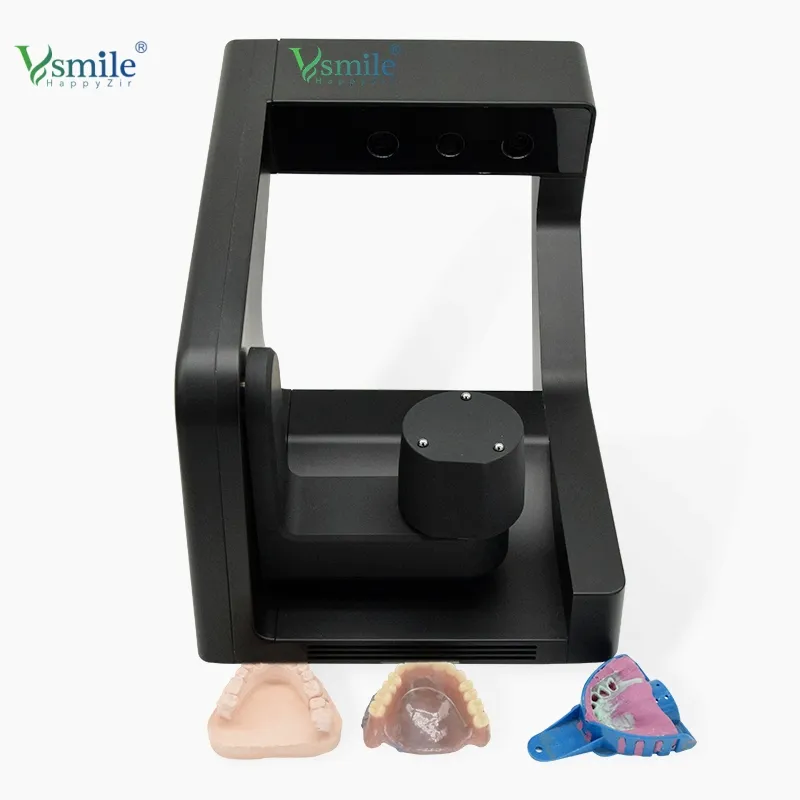
Design competency must precede production, because a weak design flows into every later step. Training at this stage covers margin identification, contact points, occlusion, cementation space, and emergence profile, first on practice files and then on the lab's recurring case types. Open STL-based workflows make this stage transferable: a technician trained on one CAD platform carries the same design judgment to another, so invest the hours in judgment rather than in a single program's menus. Give the trainee a senior designer's finished cases as reference standards, and have them reproduce a design from the same scan before designing new cases. The stage gate is simple: the reviewing designer accepts the trainee's design without rework on consecutive cases, including the difficult ones.
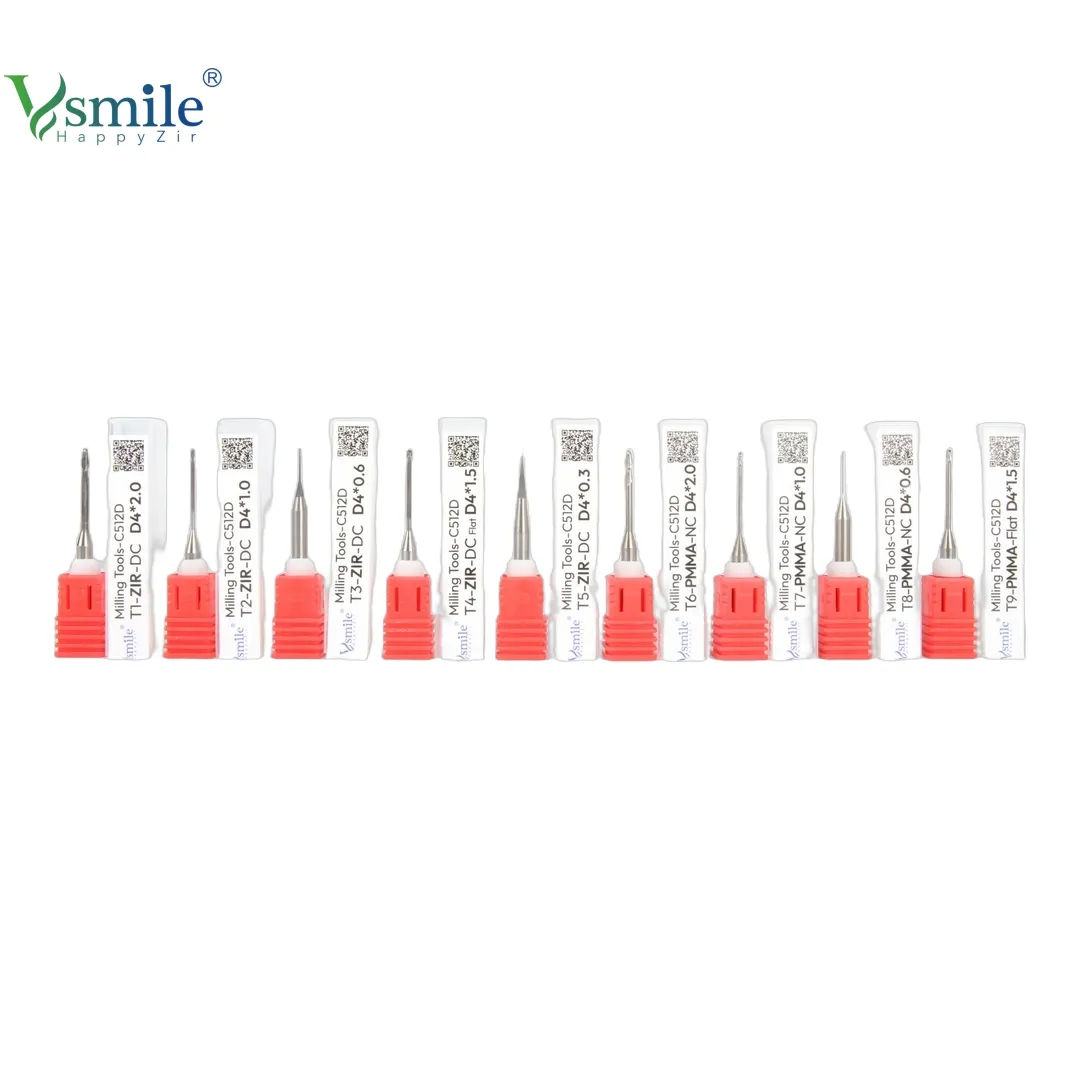
The milling stage adds production variables that scanning and design do not have: material selection, nesting and shrinkage handling, tool condition, and machine care. Vsmile official device playlists exist for exactly this handoff, covering the C512D's installation, calibration, tool replacement, maintenance, and troubleshooting, and the C518DW's dry and wet milling, cleaning, and maintenance routines; assign the playlist for the machine the trainee will actually run. First runs happen supervised, on simple single-unit jobs, with the trainer present for the first tool change and the first calibration. Maintenance is part of the skill: from the first week, the trainee performs the daily routine of chamber cleaning, gas-liquid separator checks, and bur inspection from the C512D daily, weekly, and monthly care guide, because technicians who own the machine's care catch drift before it becomes remakes.
Sintering is where the lab's material knowledge lives, and it is trained with the same per-device structure: Vsmile's official furnace playlists cover fast sintering workflows, program settings, and maintenance for each furnace in the line. New technicians should learn why a program belongs to a material, not just which button starts it, because zirconia brands and layers differ in their required schedules. For full-arch competence, the All-on-X step-by-step training video series walks the entire chain, design, milling, internal staining, glazing, and final sintering, which makes it useful both as a training sequence and as a reference standard for what each handoff should look like. Finishing closes the loop: shade verification, surface treatment, and final inspection are judged against the same acceptance criteria the lab applies to senior work, with no trainee discount.
Independence is earned per case type, not granted on a date. Define the ladder before training starts: single zirconia crowns first, then multi-unit bridges, then implant-supported work, each with written acceptance criteria for marginal fit, contacts, and occlusion. A trainee moves up when a run of consecutive cases passes inspection without rework, and the manager sets the number in advance so the gate is objective rather than a mood. Track two numbers during training, first-pass acceptance rate and remake rate, and review them weekly with the trainee; they tell you which stage is holding the person back long before frustration does. This graduated structure also protects production: unsupervised work is limited to case types the trainee has already passed, so training volume never outruns quality control.
Training does not end at sign-off. Software updates, new materials, and new case types all reopen skill gaps, so schedule refreshers whenever the workflow changes and keep the video library as the permanent reference. Every trainee should also learn the escalation path on day one: which questions go to the senior technician, and which go to the supplier's support team, which handles installation assistance, maintenance guidance, troubleshooting, software configuration, and workflow optimization; manufacturers and distributors also run regional hands-on workshops and webinars, so ask what is available in your market when you contact the training and support team. A lab that trains this way does more than speed up onboarding; it builds the habit of verified handoffs that keeps quality stable as the team grows.
A digital workflow is only as strong as its weakest handoff, so train technicians in workflow order and judge each stage on real cases before the next one opens. Write the stage gates and the case-type ladder before training begins, track first-pass acceptance and remake rates weekly, and keep the supplier's per-device training center as the standing reference for installation, calibration, maintenance, and troubleshooting. Independence should be earned per case type against written criteria, not granted on a calendar date, and refreshers should follow every change in software, materials, or case mix. Assign the training roles in writing on day one, and use the contact the training and support team route for questions that go beyond the lab's own escalation path.
It depends on prior experience, case mix, and how many stages the person must cover, so no single number is honest. What a manager can control is sequence and gates: technicians who validate scanning and design before production work reach independence faster than those trained device by device in random order. Set stage gates and graduated case types before training starts, and let the calendar follow the results.
Across the whole workflow, in order. Each stage consumes the previous stage's output, so a technician needs to understand what a good handoff looks like before operating any single machine. Per-device training videos fit inside the stage plan, not instead of it: use the scanner playlist during the scanning stage, the milling playlist during the milling stage, and so on.
Three things: produce stage output that passes inspection without rework on consecutive real cases, perform the daily and weekly care routines for the equipment they run, and state the escalation path for problems beyond their authority. Managers should write these gates down per case type before training begins so the decision is objective.
Refresh on change: new software versions, new materials, and new case types each justify a refresher with updated criteria. Keep the official video library as the standing reference, schedule periodic skill checks against the same acceptance criteria used during training, and use supplier workshops and webinars for capabilities the lab is adding rather than already running.
A senior technician with structured materials beats a manager improvising between production deadlines. The senior technician demonstrates and reviews daily work; the manager owns gates, case-type ladders, and the two tracked numbers; the supplier's support team covers installation, software configuration, and troubleshooting questions the lab cannot answer internally. Assign the roles in writing on day one so the new hire knows exactly who to ask.

Vsmile is pleased to announce its participation in the 3rd Algerian Dental Expo (ADEX 2026), taking place from November 11 to 14, 2026, at the Palais des Expositions (SAFEX) in Algiers, Algeria.
At this year's exhibition, Vsmile will join its local distribution partner, WHITE TRADER, at Pavillon A. Together, the teams will connect with dental professionals and showcase dental materials, CAD/CAM solutions and practical applications for modern dental laboratory workflows.
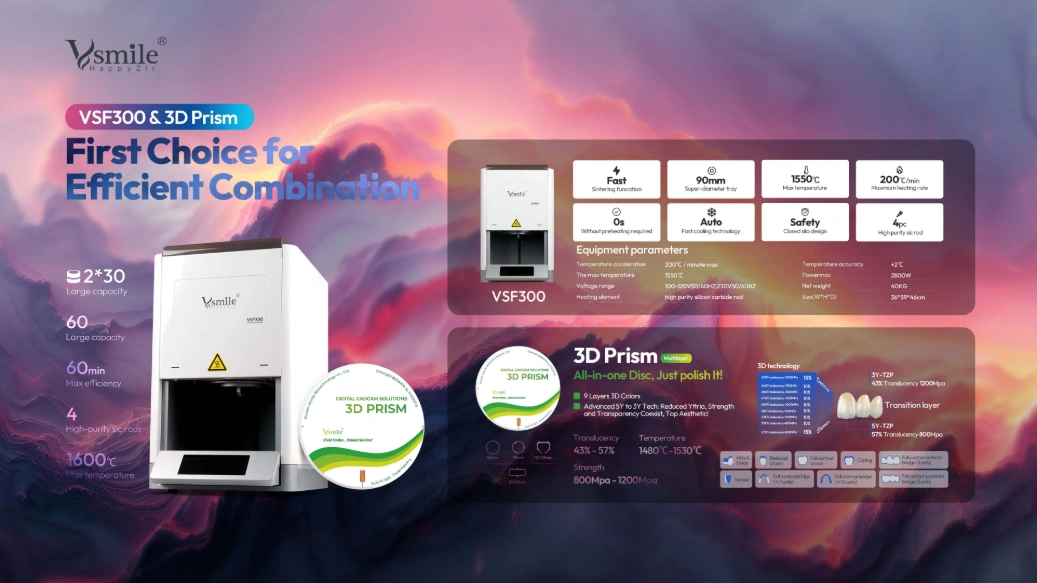
This bundle combines the powerful VSF300 fast sintering furnace with 4 pcs of 3D Prism multilayer zirconia blocks, delivering speed, capacity, and consistent esthetics in one package.

Passive fit failure is rarely caused by a single factor. Instead, it is the result of error stacking across the entire digital and manufacturing workflow.
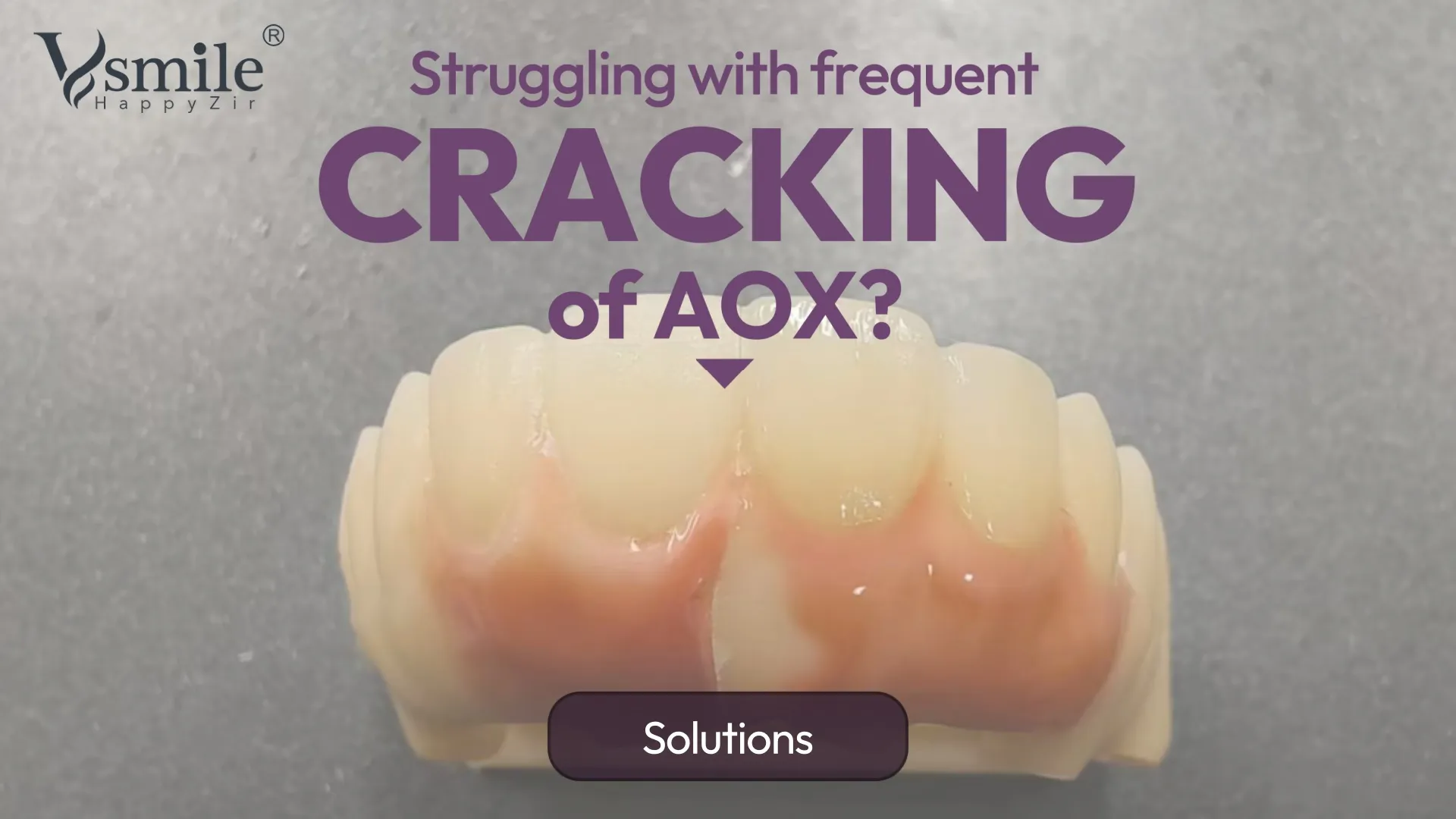
Fracture and microcracks are among the most critical failure modes in All-on-X (AOX) zirconia restorations.
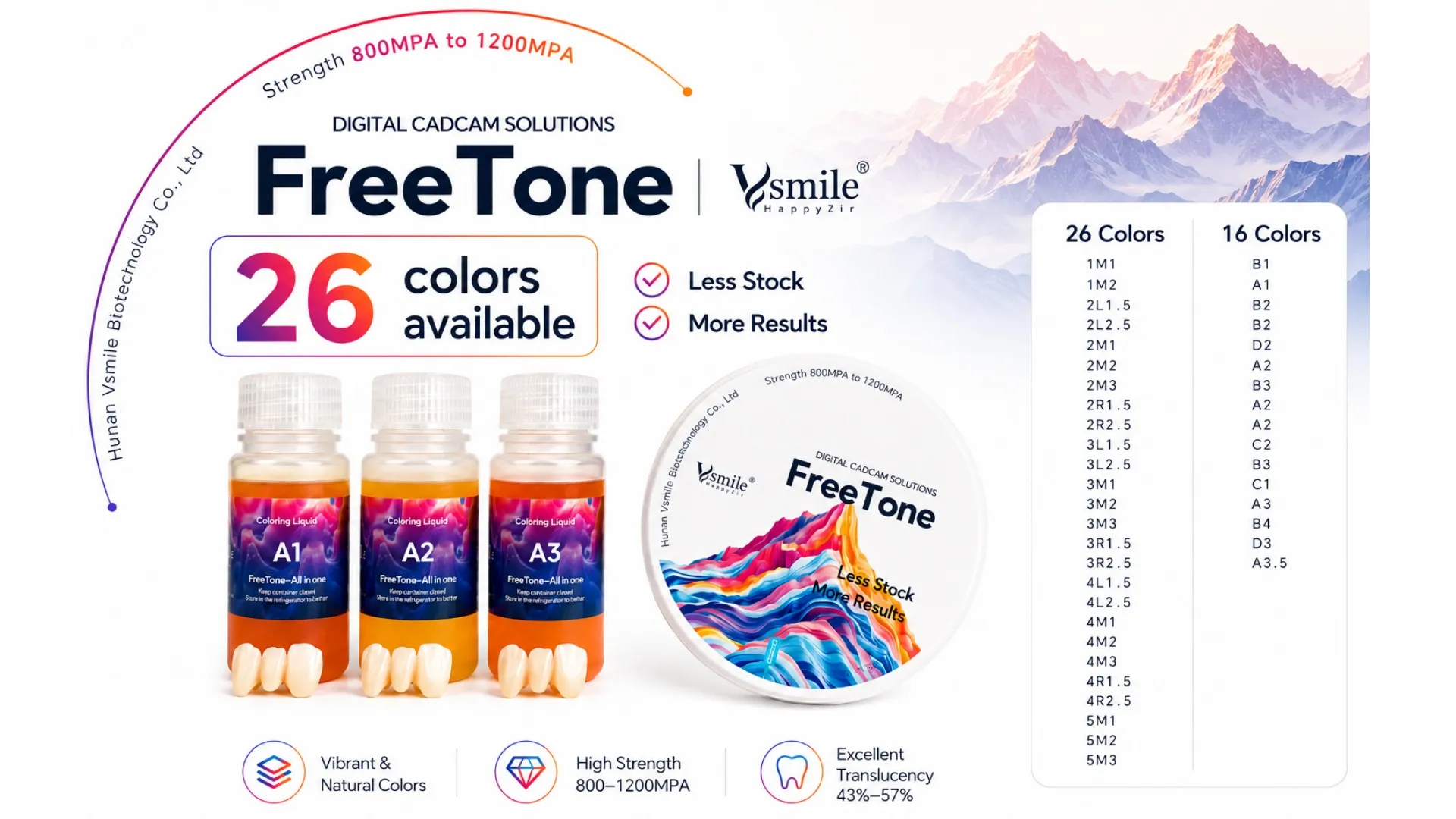
Whether you're crafting A1 or D4, FreeTone White Zirconia Disc gives you total shade control with just one SKU — streamlining inventory and increasing productivity.

Voices from Vsmile Global Partners — Stories of Trust, Growth, and Smiles We Create Together.
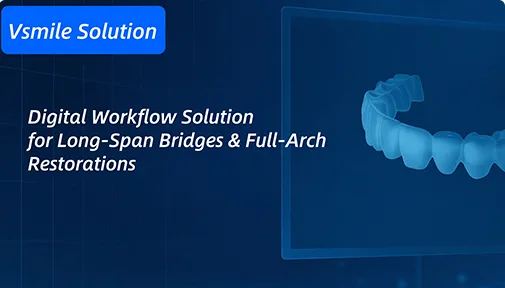
Long-span and full-arch restorations represent some of the most complex and failure-prone procedures in digital dentistry. Challenges include connector fractures, marginal misfits, sintering deformation, and low clinical longevity. Labs and clinics face a high rate of remakes, increased cost, and pressure to maintain quality under tight delivery deadlines.
2025.5.22

Vsmile offers a complete, validated digital workflow — from scanning to final zirconia bridge — that helps labs and clinics deliver life-changing smiles faster, with greater confidence and repeatable quality.


Tel: +86-731-85682958
Fax: +86-731-85682958
WhatsApp: +8615084896166/+8618569525651
Email: [email protected]
Address:
Room 1202-1203, Building A4,Huanchuang Corporate Park,No.2450, Yuelu West Avenue, Changsha Hi-tech Development District, Changsha, China.


























 EN
 fr
 ru
 nl
 uk
 fil
 lo
 ko
 it
 es
 el
 pt
 de
 th
 be
 sq
 tr
 ar
 vi
 pl